

v.: Device: P049; App: 45.0.17.4
Sourdough Sidekick Update 2: Power loss recovery
This update will roll out to connected Sourdough Sidekick users through the SmartHQ app from Sept. 1-8, 2026.
To receive the update:
- Connect your Sidekick to WiFi if not already
- Update or download the SmartHQ app
- Open SmartHQ and accept the Sidekick-specific update
Note: Sourdough Sidekick can’t be running an active mode when updating. Either cancel the current mode to apply immediately, or update between the next cycle.
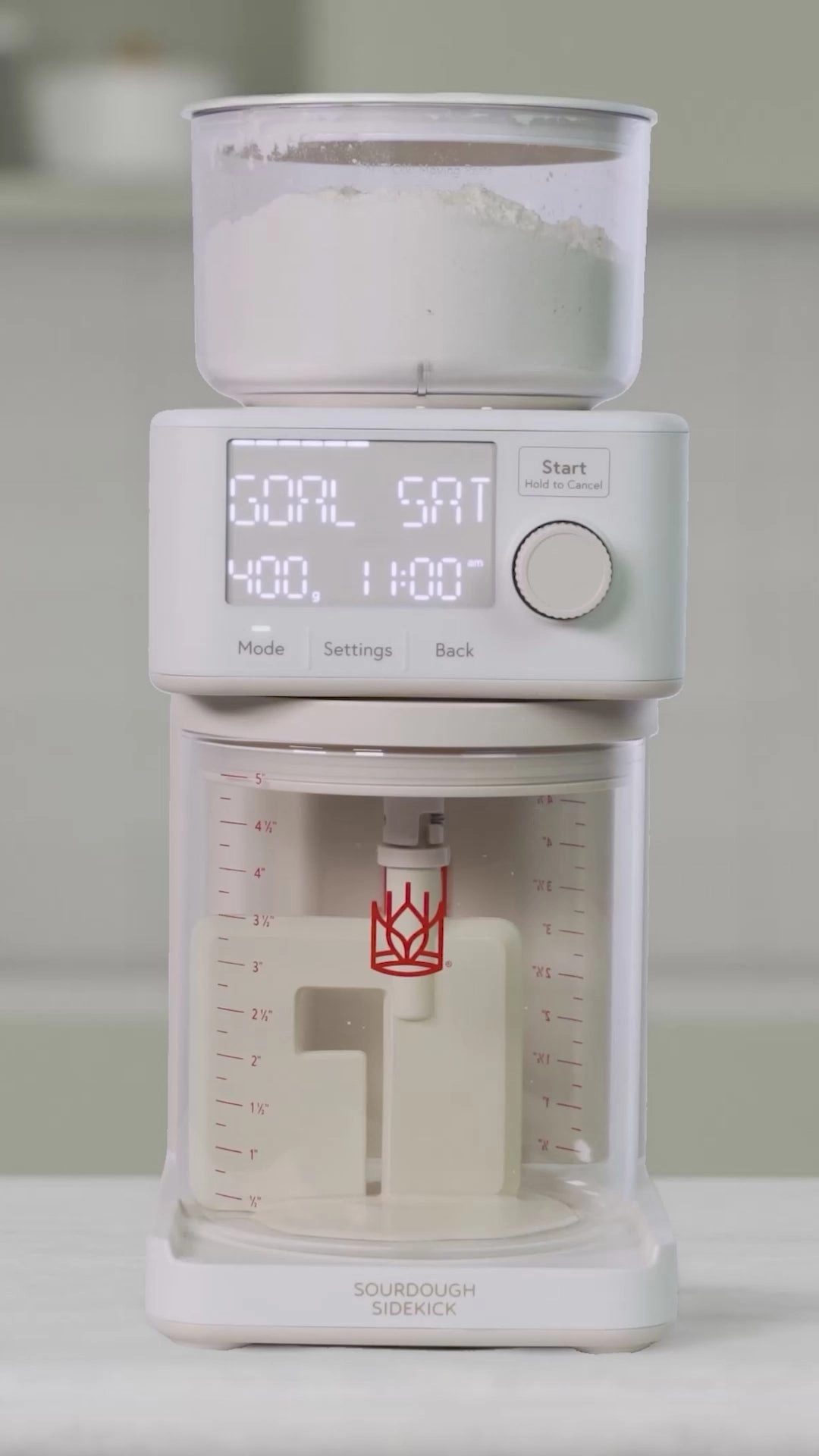
- If Sourdough Sidekick was connected to Wi-Fi, it will automatically reconnect when power is restored. The screen will display SYNCING as it reconnects to the internet to reset the day and time.
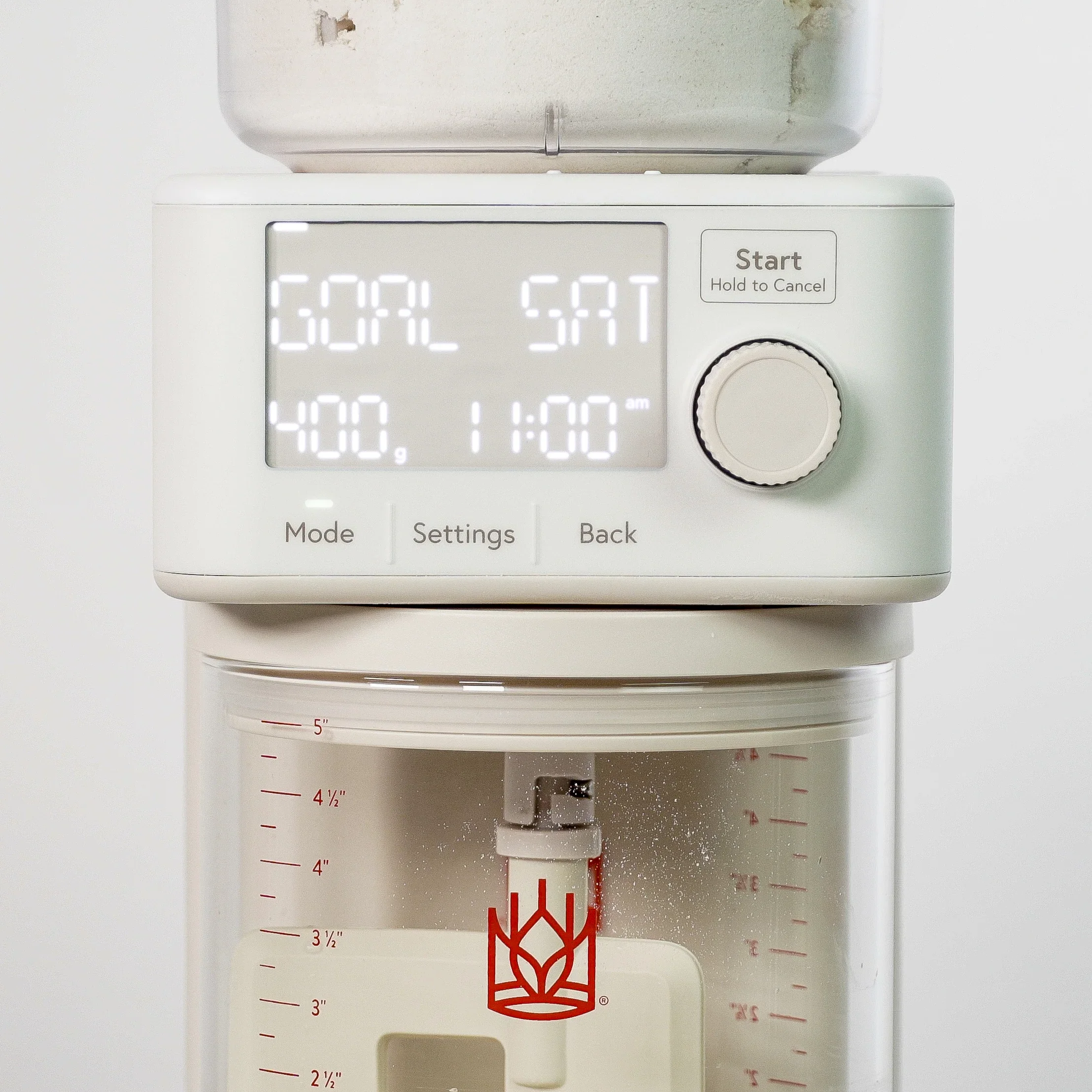
- If Sourdough Sidekick was not connected to Wi-Fi, it can still recover, but you’ll need to enter the current day and time.
- If the power loss changed the end time of Auto mode, the Sidekick will display “RESUMED” and will show the new end time.
- If the power loss does not change the end time of Auto mode, the Sidekick won’t display anything differently and will just continue the cycle.
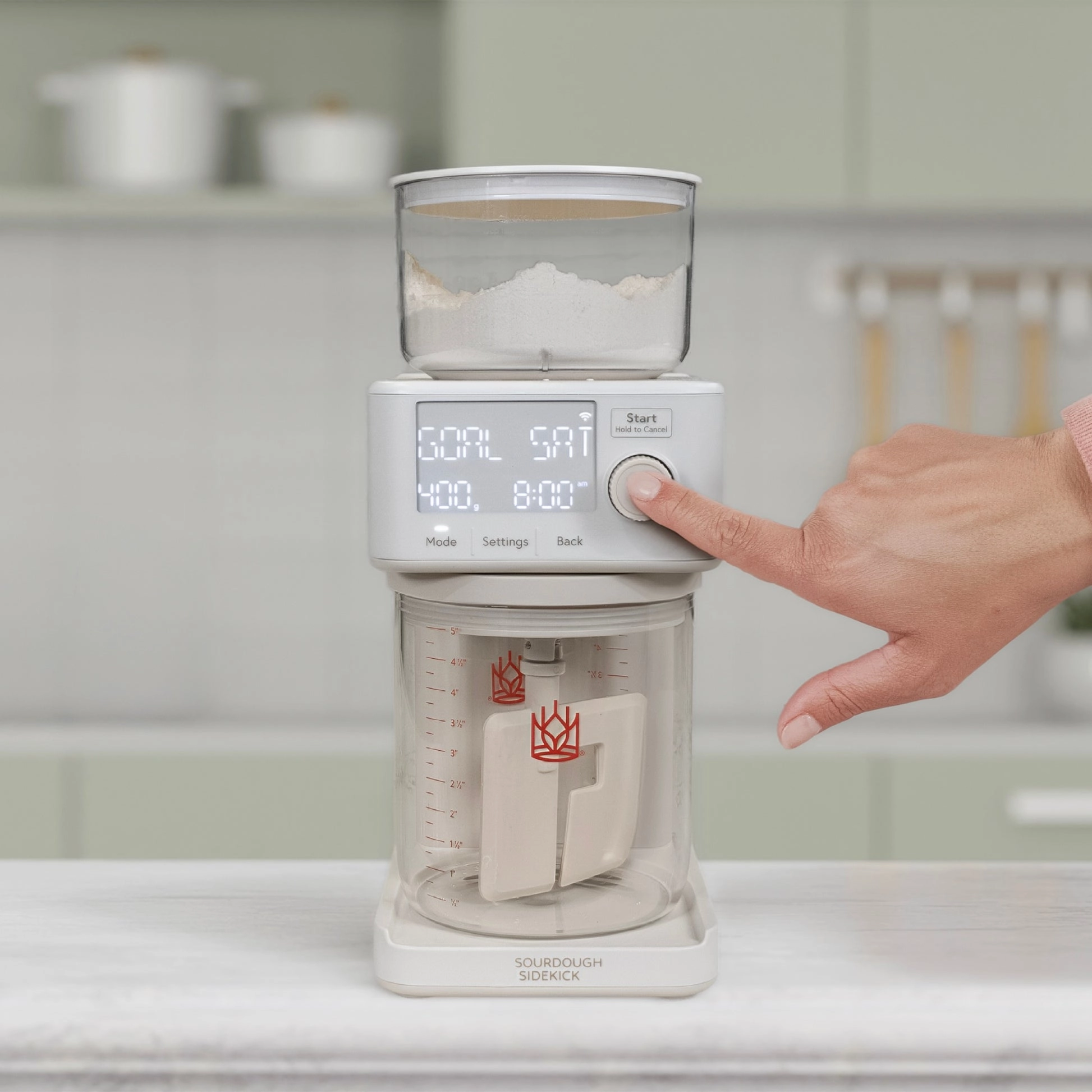
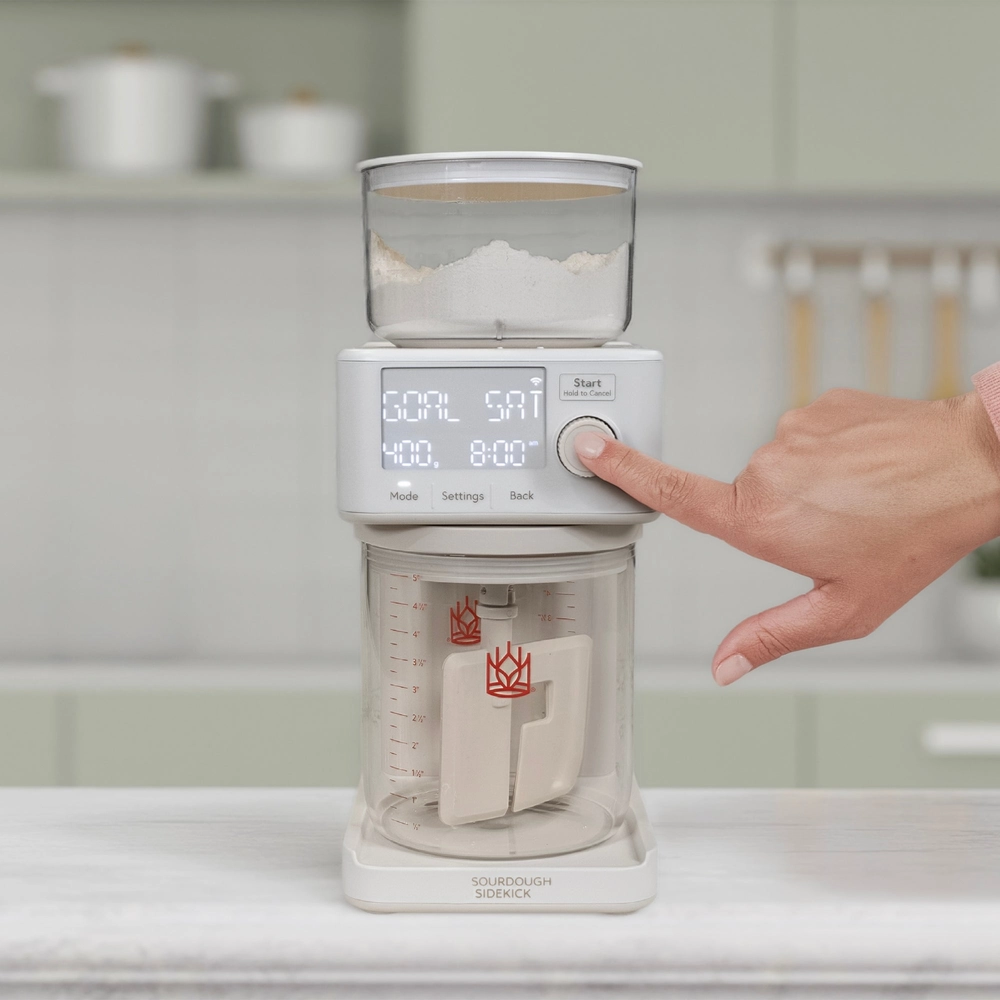
- Knob as start button. Pressing the knob now also functions as the Start button
- Removed the confusing “crock nearly full” alert
- Improved the way we calculate average temperature